AirPlay receiver for Android Your Android, in the Screen Mirroring menu.
ScreenDock turns an Android phone, tablet or TV into an AirPlay receiver. Pick it on your Mac, iPhone or iPad and your screen appears, sharp and in sync, over Wi-Fi.
Free to install.
No ads, no account, no subscription.
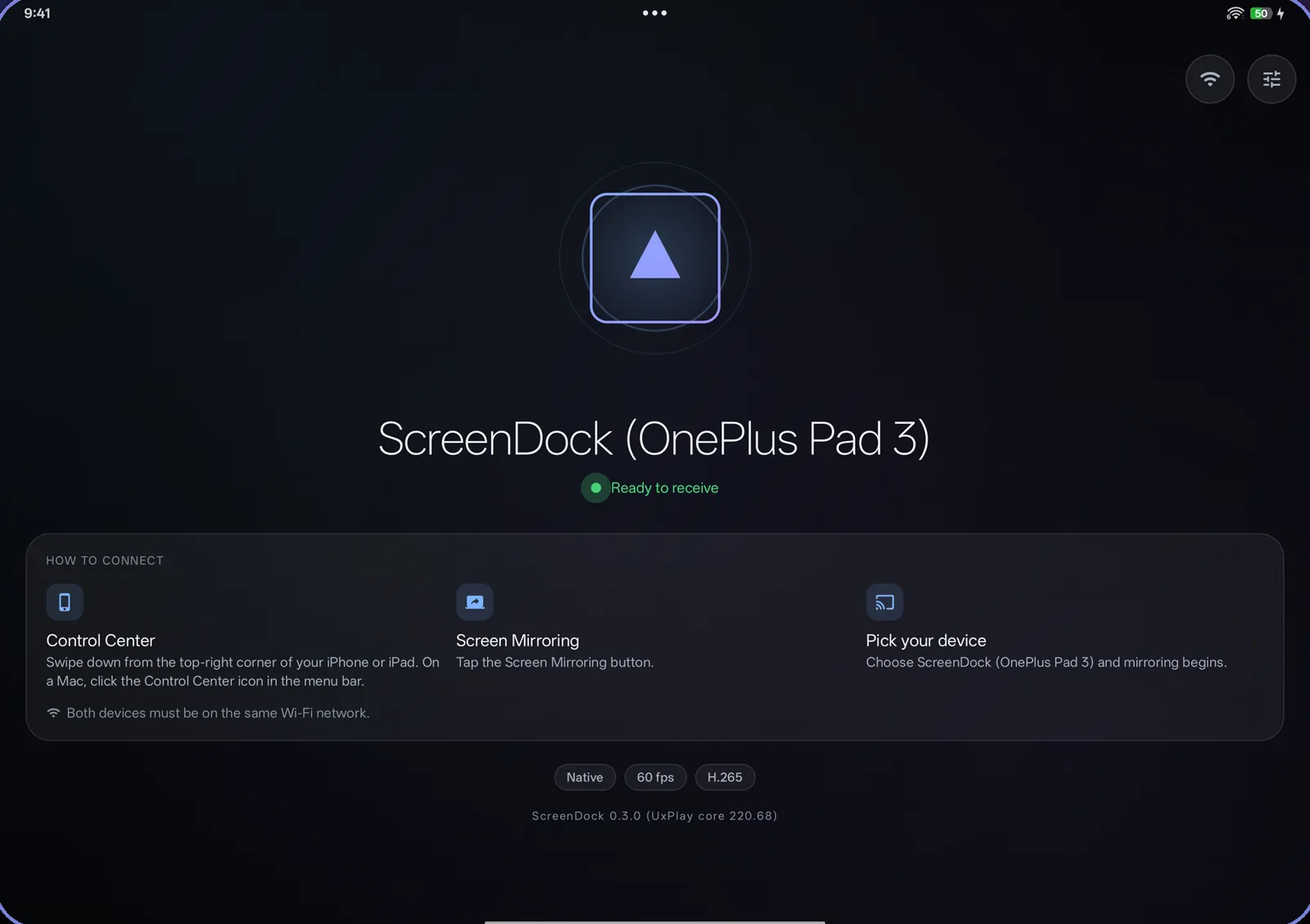
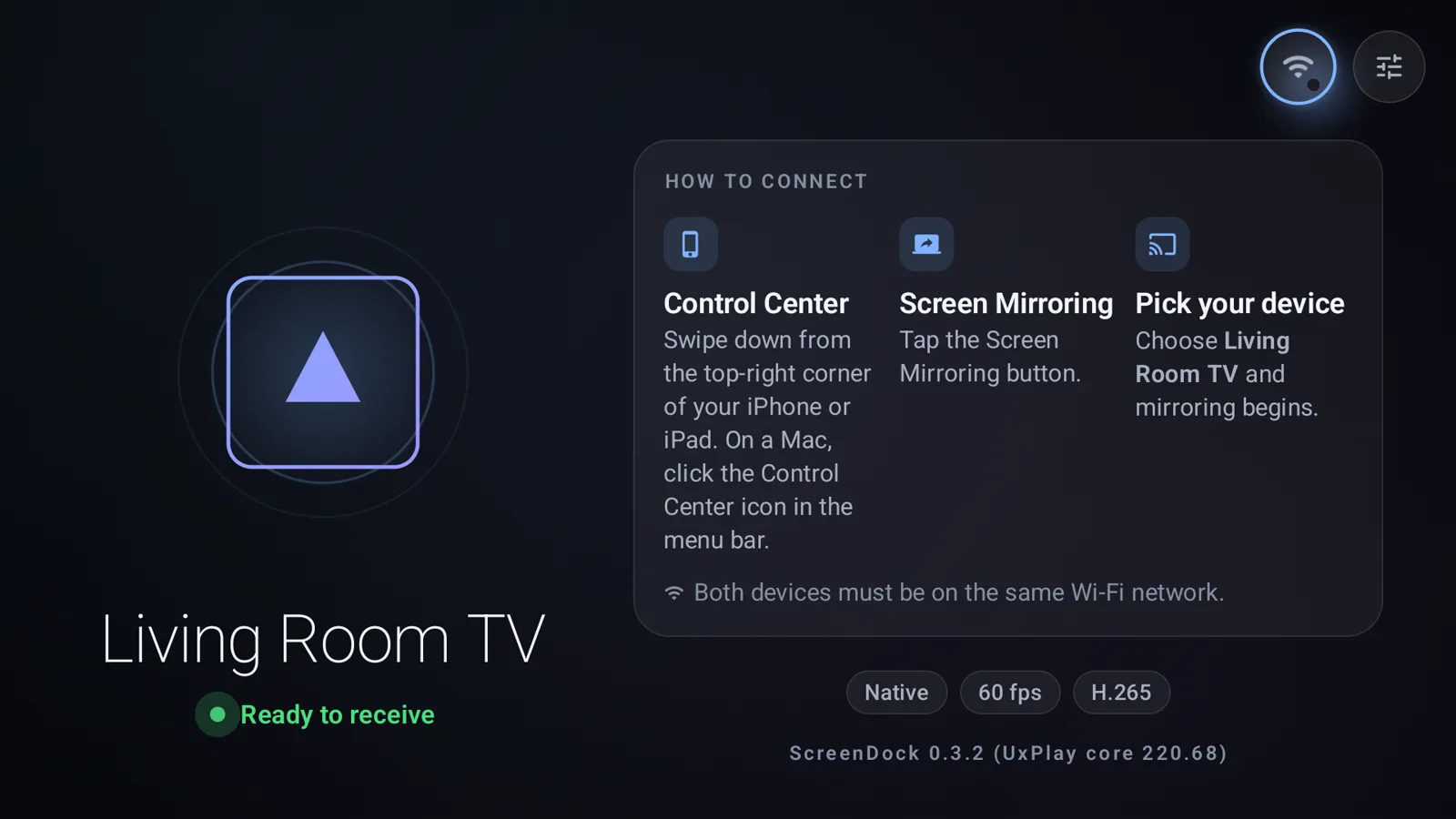
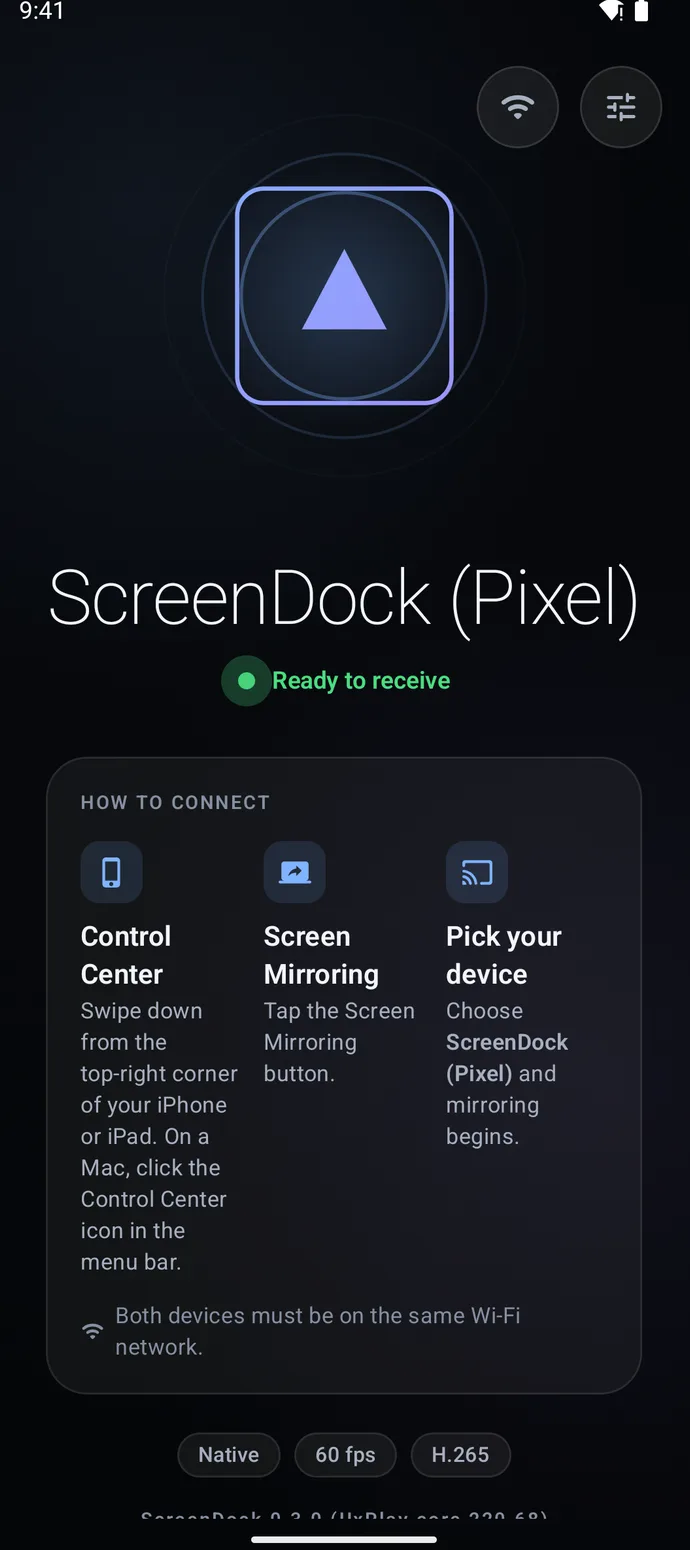
Ready to receive
What is ScreenDock?
ScreenDock is an AirPlay receiver for Android. Android can't receive AirPlay on its own; ScreenDock adds it, so an Android phone, tablet, Android TV or Google TV appears in the Screen Mirroring list on a Mac, iPhone or iPad. It mirrors the screen in H.264 or H.265 up to 4K at 60 fps, plays AirPlay music including Apple Lossless, and works over your Wi-Fi with nothing to install on the Apple side. It's free with 10-minute sessions, $9.99 once to remove the limit, has no ads, and is open source under GPLv3.
Watch the 20-second demo
Connected in three taps.
Nothing to install on the Apple side. ScreenDock uses the Screen Mirroring button your Mac, iPhone and iPad already have.
Open ScreenDock
Install it on your Android phone, tablet or TV and open it. It shows Ready to receive when it's listening.
Open Screen Mirroring
On iPhone or iPad, swipe down for Control Center. On a Mac, click Control Center in the menu bar.
Pick your Android
Choose ScreenDock from the list. Your screen appears in a second or two. Both devices need to be on the same Wi-Fi.
Put the screen you already own to work.
That spare tablet in the drawer, the Android TV in the living room, the old phone on your desk. Each one becomes somewhere to send your screen.
A wireless second screen for your Mac
Use an Android tablet as an extra display next to your Mac, or mirror your screen for a presentation or a demo across the table. No cables or adapters.
- Extend your desktop or mirror it
- Shown at your tablet's native resolution, up to 4K
- Fit, fill or stretch the picture to the screen
AirPlay on your Android TV
Install ScreenDock on Android TV or Google TV and it shows up next to every Apple device in the house. Share photos, a video, or a game from your iPhone to the big screen.
- Works with a TV remote, start to finish
- Can start automatically when the TV turns on
Music, video and your rules
Stream songs from your iPhone with title, artist and cover art on screen, including lossless ALAC. Send YouTube and web videos with the AirPlay button.
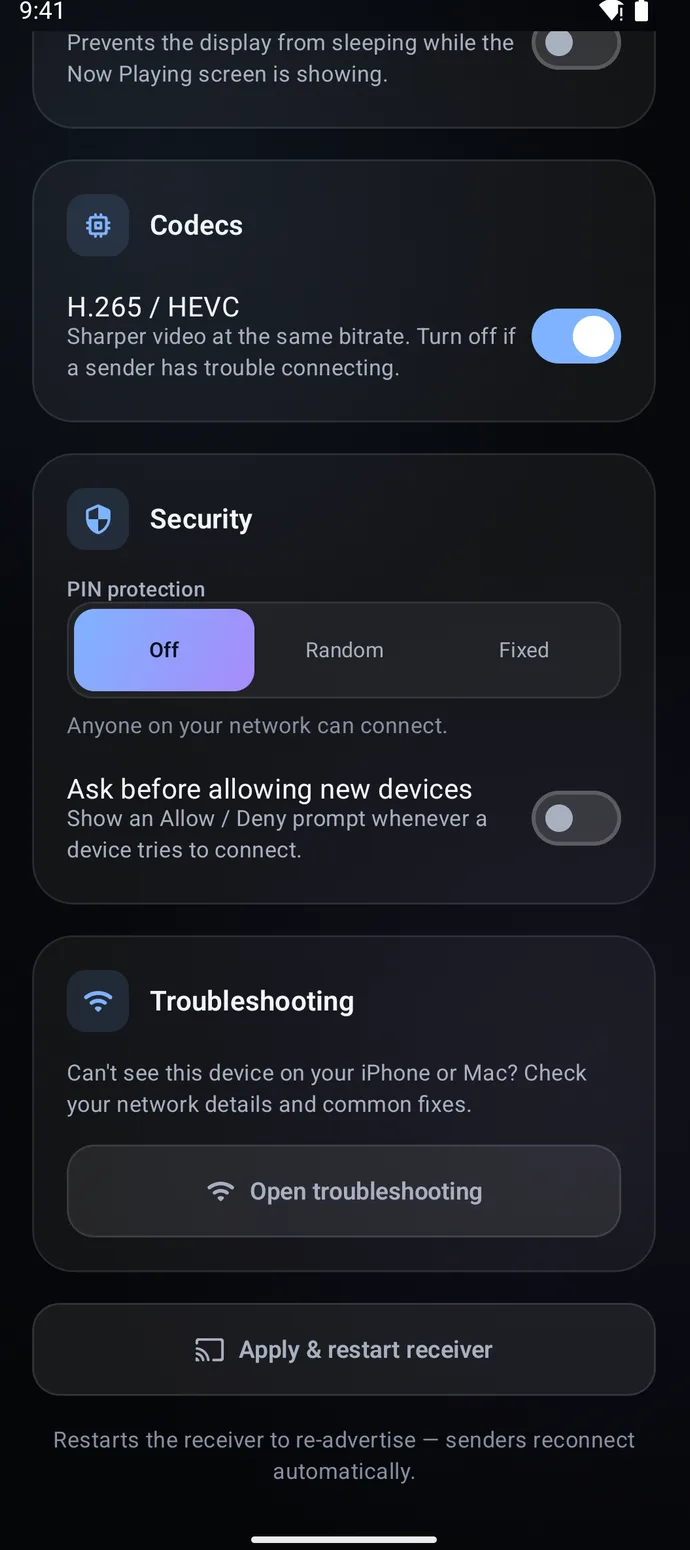
- Optional PIN, or approve each new device
- Rename the receiver to anything you like
- Stop it any time from the notification
What it supports
Built on UxPlay, the open-source AirPlay engine, with hardware video decoding on your Android device.
- Send from
- Mac, iPhone and iPad
- Receive on
- Android phones, tablets, Android TV and Google TV
- Video
- H.264 and H.265 (HEVC), up to 4K at 60 fps
- Audio
- AAC and Apple Lossless (ALAC)
- Modes
- Screen mirroring, music, and video from apps
- Needs
- Android 7.0 or newer, same Wi-Fi network (5 GHz recommended)
- Latest version
- 0.3.8, updated November 2026
Try it free. Buy it once.
Everything works in the free version. Pro removes the time limit, for good, with one purchase through Google Play.
Free
$0
Every feature, in 10-minute sessions.
- 10 minutes of mirroring or video, then a 30-minute break
- Music streaming is always unlimited
- No ads, ever
ScreenDock Pro
$9.99once
Unlimited mirroring on this Google account.
- No time limits on mirroring or video
- No subscription, nothing to renew
- Unlock it inside the app, after you've tried it
US price shown. Google Play shows the price in your local currency.
Guides
Step-by-step help for the most common setups.
- AirPlay to Android TV and Google TV
Chromecast with Google TV, Sony, TCL and more. No Apple TV needed.
- Mirror an iPhone or iPad to Android
Galaxy Tab, Pixel Tablet or any Android phone or tablet.
- Android tablet as a Mac second screen
Extend or mirror your Mac's desktop over Wi-Fi.
- AirPlay music to Android
Apple Lossless, with song title and cover art.
- Not showing in Screen Mirroring?
Network, router and battery fixes, in order.
- AirPlay receivers for Android, compared
ScreenDock, AirScreen, Mirroring360 and AirPlay Server.
ScreenDock questions
Can Android receive AirPlay?
Not out of the box. Android has no built-in AirPlay receiver, so a Mac, iPhone or iPad won't list it. Install an AirPlay receiver app such as ScreenDock and the Android device appears in the Apple device's Screen Mirroring and AirPlay menus.
Why doesn't ScreenDock show up on my iPhone or Mac?
Make sure both devices are on the same Wi-Fi network and ScreenDock says Ready to receive. Guest networks and some mesh or office networks block device discovery. The app's Troubleshooting screen walks through the common fixes, and so does this guide.
Can I watch Netflix, Disney+ or the Apple TV app?
No. Those apps protect their video with DRM, which only works with Apple-certified receivers. This is a limit of the protection, not a bug, and no third-party receiver can get around it. YouTube, browsers, photos, presentations and most other apps work.
How much delay is there?
On a good 5 GHz or Wi-Fi 6 network it's low enough for presentations, video and casual use. Keep both devices close to the router for the best result. Fast-paced gaming will feel some delay, as with any wireless mirroring.
Can I control my Mac by touching the tablet?
Not today. ScreenDock shows your screen and plays its sound. Touch control back to the Mac isn't supported.
Is my screen sent to any server?
No. Everything stays on your local network, between your Apple device and your Android. ScreenDock has no accounts, analytics or tracking. Read the privacy policy.
How does ScreenDock compare with AirScreen or Mirroring360?
ScreenDock is AirPlay-only, ad-free, open source and a one-time purchase. AirScreen also supports Google Cast and Miracast but shows ads, and Mirroring360 is a paid app. See the side-by-side comparison.
Is ScreenDock made by Apple?
No. ScreenDock is an independent open-source project under the GPLv3 license, and you can read every line of its source code on GitHub.
Your next screen is already on your desk.